
Event Registration
Use link in email informing admin of a new form submission to navigate to the form

Check registration information
WHEN NOT LINKED TO AN ELVANTO PROFILE (some of the time)
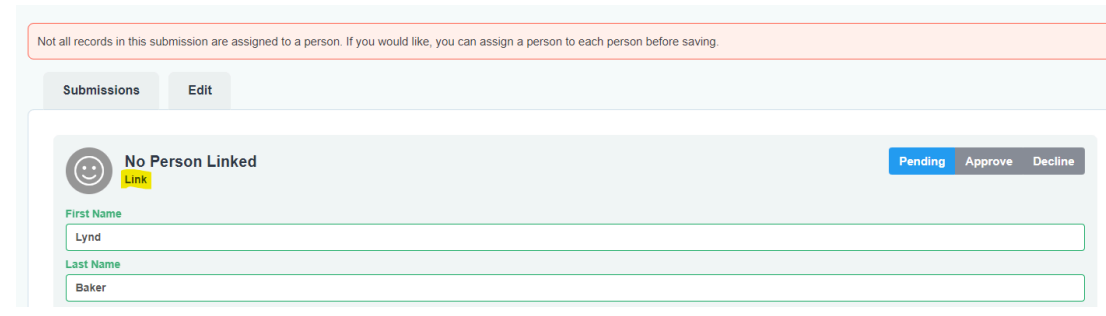
Hit “link” and search for their name. If they’re in the database, you can then click on their Elvanto profile to link the submission to someone in Elvanto. Then proceed as per someone already linked to an Elvanto profile.
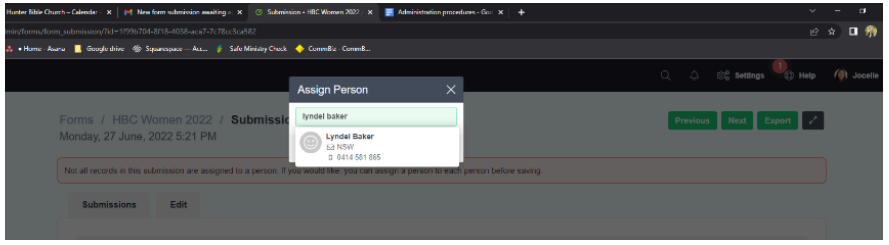
If the submission does not have a profile already in Elvanto, you’ll need to create a new person and link the new person.
WHEN LINKED TO AN ELVANTO PROFILE (most of the time - you’ll see someone’s name in green at the top of the form submission)
Check details (any discrepancies will be highlighted in orange)

Leave form submission if you believe that details need to be updated. Otherwise copy details that are in Elvanto already and paste into form field (e.g., maiden name “Hope” updated to married name “Vanderhout”)
Hit “Approve”

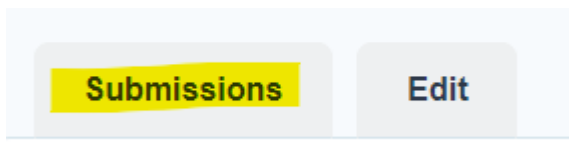
Navigate back to submissions
Repeat for any remaining registrants
Archive form submission email in admin inbox